
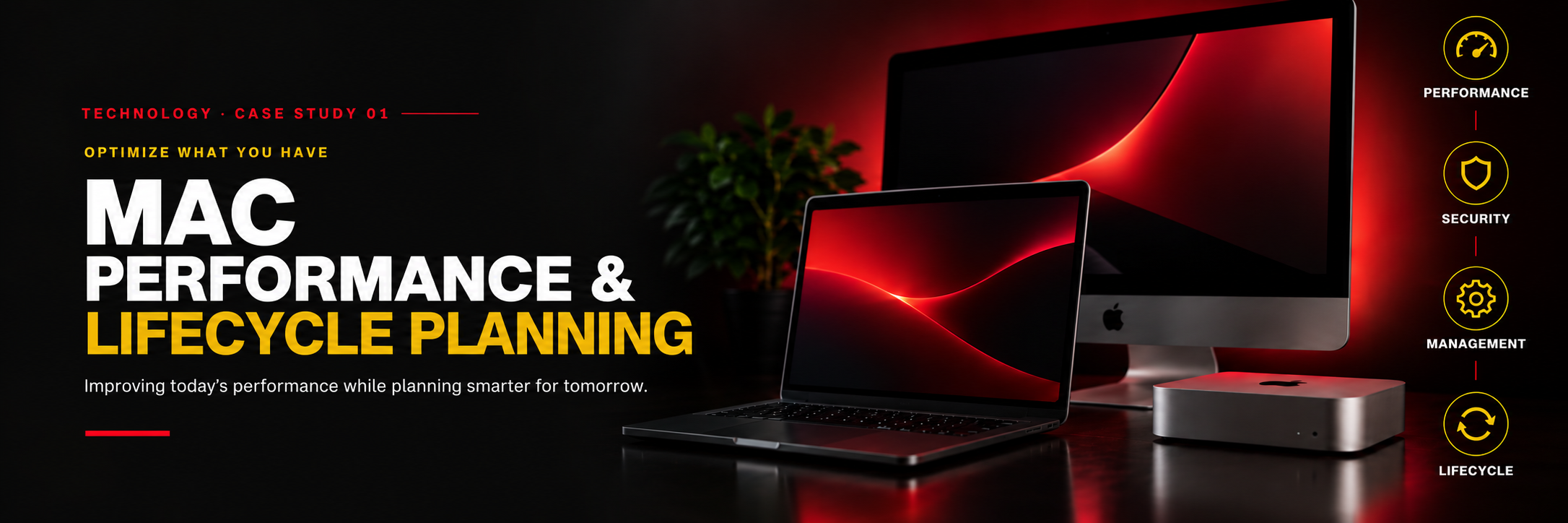
Mac Performance & Lifecycle Planning

Mac Performance and Lifecycle Planning case study
01

THE CHALLENGE

Several Macs in the client’s environment had been experiencing recurring performance issues, particularly during heavier day-to-day workloads. The users rely extensively on Adobe applications while frequently multitasking between creative software, email, browsers, and other business applications.

What initially appeared to be a straightforward cleanup request raised a larger question: were the systems simply in need of maintenance, or were age, memory limitations, operating system versions, and the users’ workloads beginning to outgrow the existing hardware?

02

TOM'S ASSESSMENT

TOM assessed the affected Macs onsite. Storage capacity was not the problem. Some systems were older, others were on outdated macOS versions, and many had limited memory relative to the workload with little room for hardware upgrades.

03

THE SOLUTION

TOM tested compatible cleanup tools across the different Macs and performed targeted cleanup. At the same time, TOM explained that cleanup could help but would not change the underlying hardware and workload mismatch.

04

THE RESULT — SO FAR

Users noticed a difference after cleanup, and the person in charge appreciated the recommendations. The cleanup work remains ongoing.

05

LOOKING AHEAD

When the client is ready to replace systems, TOM can help select Macs with the right memory, performance, and storage for their actual workloads.

REAL TECHNOLOGY WORK

REAL SOLUTIONS. LASTING IMPACT.

Technology should make the work easier—not become another obstacle.

WE START WITH LISTENING.

LET'S TALK ABOUT WHAT YOU NEED.

START A CONVERSATION →