
TECHNOLOGY THAT
POWERS YOUR BUSINESS.
Practical technology support built around the way you work—from everyday help and Microsoft 365 to devices, networks, foundational security, backup management, and larger technology improvements.
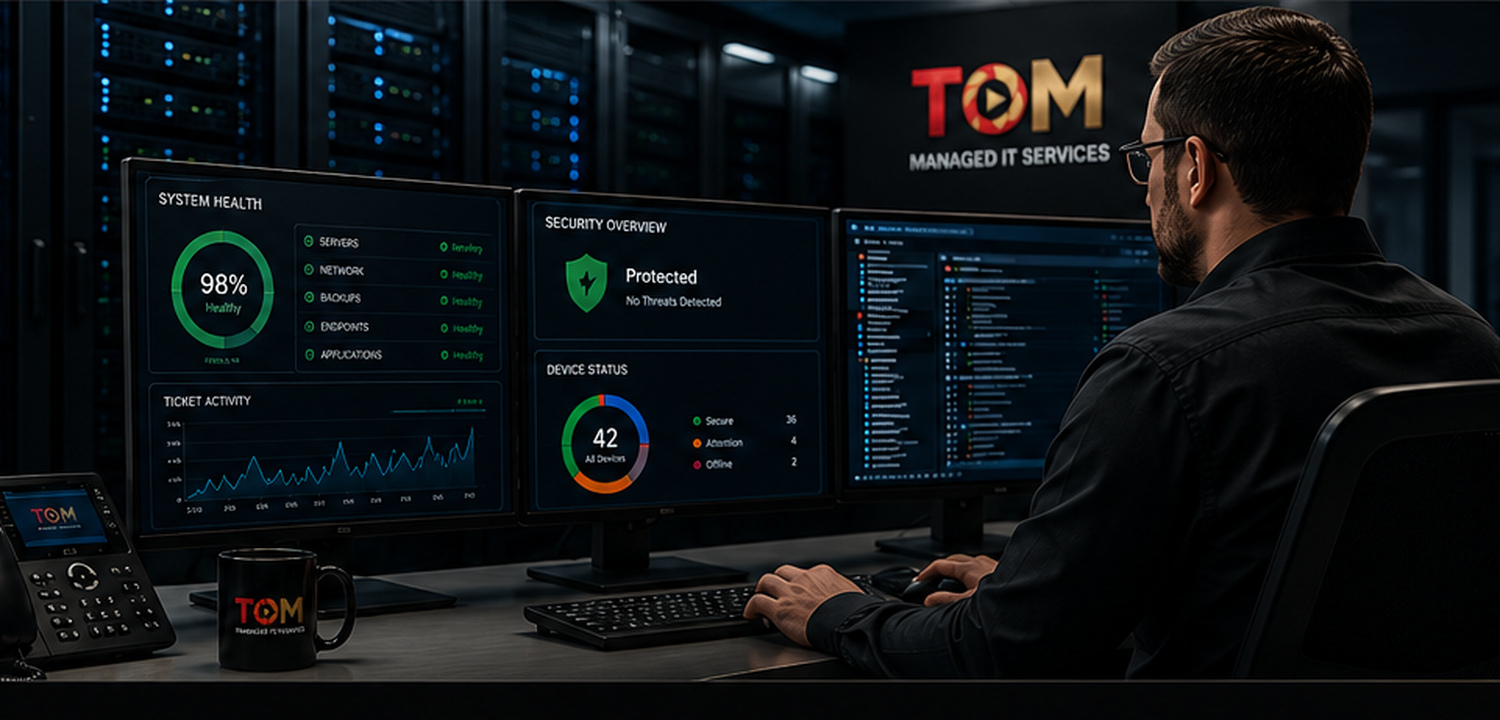
PRACTICAL IT. ONGOING SUPPORT.
Technology should help the work move forward. TOM supports the day-to-day environment while helping plan the improvements that make sense next.

MANAGED IT SUPPORT
Business-hours remote help desk, troubleshooting, vendor coordination, device monitoring, updates, patching, health checks, and asset tracking.

MICROSOFT 365 & CLOUD
User and license management, email setup and troubleshooting, Microsoft 365 support, and cloud migration or upgrade projects.

DEVICES & LIFECYCLE
New-device setup, hardware lifecycle planning, onboarding and offboarding, and device or application upgrades.

NETWORK & WI-FI
Network and Wi-Fi troubleshooting plus internet vendor coordination when connectivity issues need another set of hands.
FOUNDATIONAL SECURITY
Managed endpoint protection, multi-factor authentication, security alerts, and practical baseline protections.

BACKUP & RECOVERY
Backup management and incidental recovery support to help protect important information and restore what can be recovered.
MORE THAN
IT SUPPORT.
WE’RE YOUR IT DEPARTMENT.
TOM looks beyond the immediate ticket. We learn the environment, understand the goal, recommend what makes sense, and stay connected through the work.
START A CONVERSATION →LISTEN
Understand the environment and the need.
PLAN
Recommend a practical path forward.
IMPLEMENT
Put the right pieces into place.
SUPPORT
Stay available as the work continues.
REAL SOLUTIONS.
LASTING IMPACT.
Three real TOM projects show the progression from improving what is already there, to moving to a stronger platform, to modernizing how the work gets done.

Mac Performance & Lifecycle Planning
Several slow Macs were assessed, cleaned up, and reviewed with longer-term hardware planning in mind.
READ CASE STUDY →
Email Migration to Microsoft 365
A recurring mailbox-storage problem led to a staged migration of approximately eight users to Microsoft 365.
READ CASE STUDY →
Network Drives to SharePoint
An aging Server 2012 file-share workflow moved to SharePoint and OneDrive through a planned transition.
READ CASE STUDY →LET'S TALK ABOUT WHAT'S NOT WORKING.
You don't need to know the solution before reaching out. Start with the problem, the goal, or the idea.